
AI Search & Visibility
Getting cited by AI search engines.
Explore →Learn how to install, configure and use the industry’s most popular SEO browser extensions. Follow step-by-step guides to analyse your website, uncover SEO issues and improve your rankings with practical tutorials designed for beginners and professionals alike.
Follow our structured learning path to master every SEO extension and confidently analyse your own website.
Whether you’re new to SEO or looking to sharpen your technical skills, our tutorials walk you through every step — from installing extensions to understanding the data they provide and turning insights into action.
Get every extension set up correctly in your browser in under five minutes.
Learn more →Adjust the settings that make each extension more accurate for your site.
Learn more →Check your title tags are the right length and actually match search intent.
Learn more →Spot missing or duplicate descriptions before they cost you clicks.
Learn more →Make sure your H1–H6 tags follow a logical, crawlable hierarchy.
Learn more →Find every image missing descriptive alt text search engines can read.
Learn more →See how your pages connect, and where internal links are missing.
Learn more →Confirm your schema markup is valid and eligible for rich results.
Learn more →Track the loading, interactivity and stability scores Google measures.
Learn more →Analyse on-page SEO, headings, links, hreflang and SERP previews directly inside your browser.
Quickly inspect titles, descriptions, headings, canonical tags, schema and technical page data.
Measure website performance, accessibility, SEO and Core Web Vitals using Chrome.
Check Domain Authority, Page Authority and on-page elements for any site you visit.
Identify the technologies, CMS and frameworks powering any website you’re auditing.
Trace redirect chains and HTTP status codes to catch broken or looping redirects.
See search volume, CPC and related keywords directly on Google search results.
Inspect meta tags, Open Graph data and structured markup in one detailed panel.
Monitor indexing, search performance and technical issues directly from Google.
Track traffic, conversions and user behaviour across your entire website.
Deploy and manage tracking tags without editing your website’s code.
Test and validate structured data before it goes live on your website.
Follow a beginner-friendly guide that shows you how to install SEO Minion, scan a webpage, check titles and headings, identify broken links and understand the issues affecting your website.
Our guides are designed to help you go from installation to confidently using each tool to improve your website.
A plain-English explanation of what the extension actually checks.
The real SEO problems it helps you catch before they cost you rankings.
Step-by-step instructions to install and enable the extension in minutes.
The settings worth adjusting so the tool gives you accurate results.
A tour of every panel, tab and feature the extension includes.
A real walkthrough auditing an actual page from start to finish.
The errors most beginners make when reading their first results.
How to build the tool into a repeatable audit routine.
Shortcuts and lesser-known features that save time once you’re comfortable.
Quick answers to the questions this tool gets asked most.
A visual walkthrough of installing and using SEO Minion on your own website — screenshots for every step.
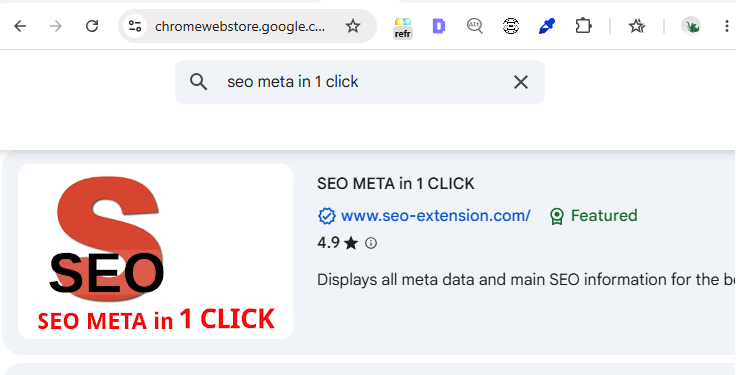
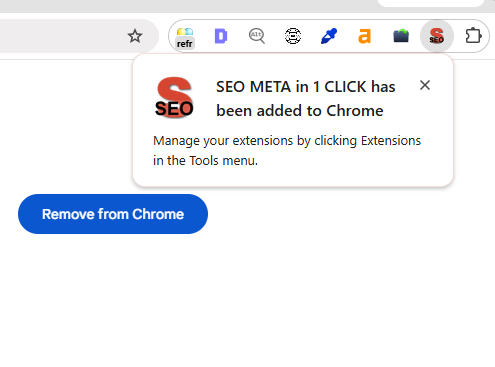
Add SEO Minion to your browser in under a minute — no account or sign-up required.
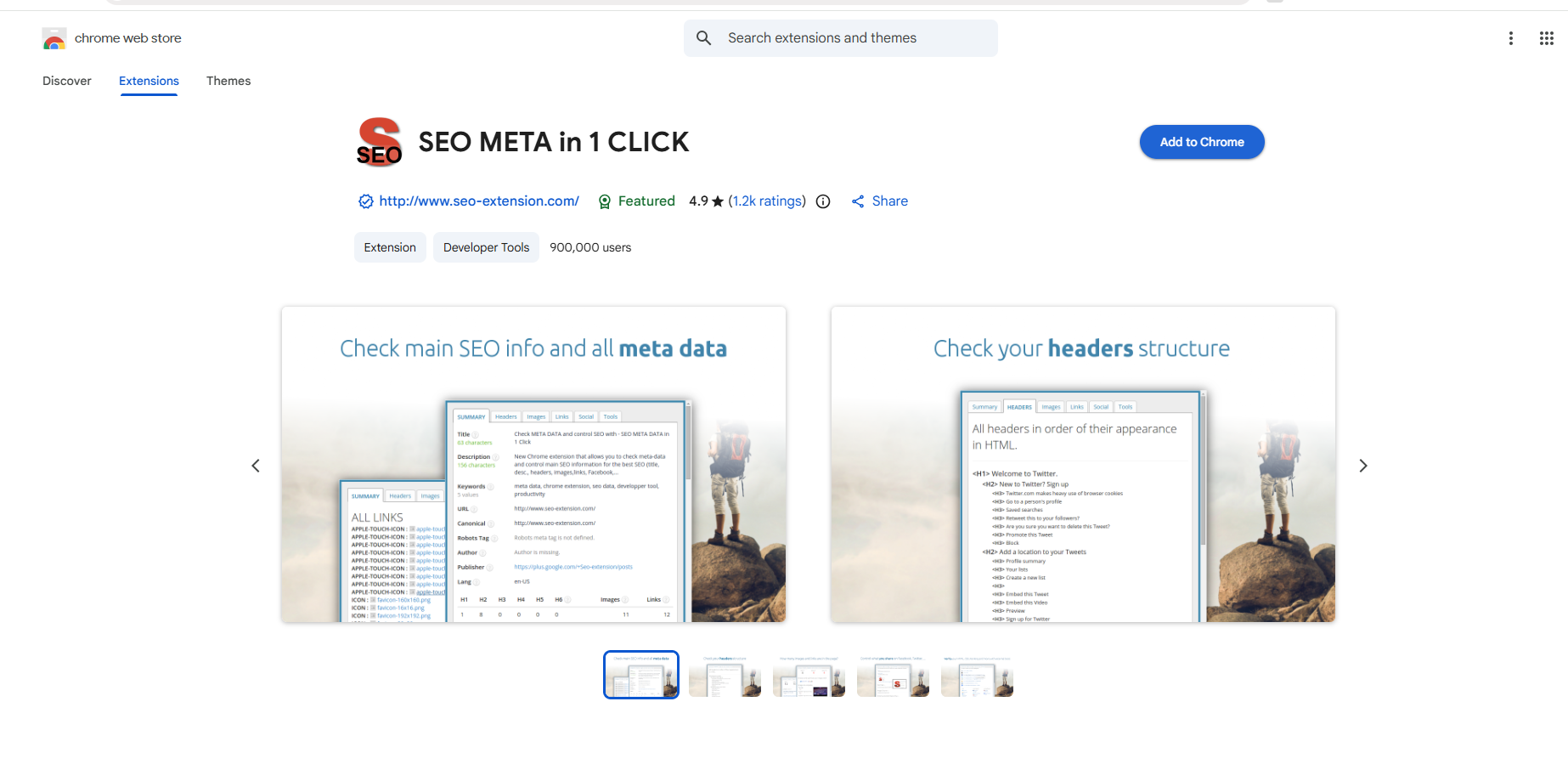
Run SEO Minion on any page to review titles, headings and meta data at a glance.
Scan a page for broken links before they quietly hurt your rankings.
SEO Minion is the best starting point — it’s free, takes about ten minutes to set up, and covers the on-page checks you’ll use most often.
Most of the tools covered here are completely free, including SEO Minion, Detailed SEO Extension and Lighthouse. A few, like Keywords Everywhere, offer a free tier with paid credits for heavier use.
Chrome has the widest extension support for SEO tools, though most of these also work in Edge and other Chromium-based browsers.
Yes — most SEO extensions run independently and don’t conflict, so it’s common to use two or three together for a fuller picture.
The tools themselves don’t change your rankings — they show you exactly what to fix. Acting on what they find is what improves your rankings over time.
A monthly audit is a good baseline for most sites, with a fresh check after any major content or design changes.
Explore more Knowledge Hub guides by category.
Getting cited by AI search engines.
Explore →Lead generation and growth tactics.
Explore →Surveillance, access control and more.
Explore →Guarding, patrols and site protection.
Explore →Protecting connected security systems.
Explore →Trends and data on the security sector.
Explore →Book a free audit and we'll show you where your security business ranks — and the fastest wins.
Get your free audit